
 Reading Time: 4 minutes
The journey I outline here taught me to treat Artificial Intelligence (AI) tools as systems and not as a loosely controlled and overly narrowed shortcut. These are powerful tools we believe we’re building when we’re really only setting up guardrails to stay in the right conversation. Behind each, there’s an LLM with a World of learning behind them. We’re fools to ignore or not to leverage that.
While writing custom instructions for Google’s Notebook LM and Gems, what began as a series of creative “hacks” to introduce conditional logic has evolved into a robust, structured practice that is changing how I think about AI within content design. I may not be all in the right and this new structured approach to writing instructions for AI is making a difference in what I’m achieving.
Invention: “pseudo-variables”
When I started experimenting with AI agents like Notebook LM, Google Gems, and Glean, I wanted to discover if they could help navigate distributed multi-team content guidelines. They can and at any scale. At the same time, they open the user’s experience from a narrow push of relevant information to the widest opportunity for distracting knowledge acquisition. That’s not an all bad thing and sometimes we need to impose some focus too. That needs “prompt engineering” to allow a range of queries as inputs and a controlled breadth of responses.
We’re told formal prompt engineering is so yesterday because we’re all instructing our AI tools using natural language. So, in the beginning, I relied on intuition and a drive to improve the experience for people using our evolving LLM tool set.
I soon created what I called “pseudo-variables”. It’s possibly a throwback to my hobbyist coding and I wanted to triage logical events by analysing a person’s input for context and directing a conditional response. What worked during experiments stuck in my practice. I was writing things like QUERY: [text] and `ROLE`: "designer" to store and later refer to information with If – Else statements. It steered the AI’s behaviour from behind the scenes and helped create a number of ambitious monsters. Most times, they behaved.
In my mind, I knew I needed to learn how grown up prompting engineers do this. There had to be a best practice to learn and adapt to: something any of us can pick up, read, and understand. In part, I wanted to do things properly too, and in another I wanted to make bigger monsters. I only needed a way to give the models context without cluttering my or the user’s experience.
What I had invented worked and was difficult to read over when making adjustments. It was all too “me”. Things got real complicated real quick and without a standard context, how can we share learning and growth in the topic?
There’s also a problem with character count in Notebook LM, which is currently 10,000 characters, and only 8,000 in a Google Gem. This made transferring working models from the Notebook LM to a Gem problematic. My experiments put me off the idea of off-loading longer instructions into a separate file as they appeared more likely to be ignored. We also know the longer the instructions are, the more likely our AI will get nostalgic for its own ideas. Instructions positioned at the heart of each agent do seem to work more reliably.
Source issues
As I pushed these agents further, I learned the quality of our sources affected the quality of responses. What I discovered is that when a style and standards document fails to adhere to the standards it contains, the poor practices formatted into the document seep through into the LLM’s responses. In short, if our style guides were inconsistent, the AI’s advice was inconsistent.
As an interim measure, I created a universal instruction that corrects and updates the response with best practices before runtime. It’s a dense set of guidance and best practices that needed trimming to fit character counts and my prompting syntax clearly needed attention.
There’s a Gem I created to convert any document into something more readable, inclusive, and accessible, and that’s probably left to another story.
Professionalizing the syntax
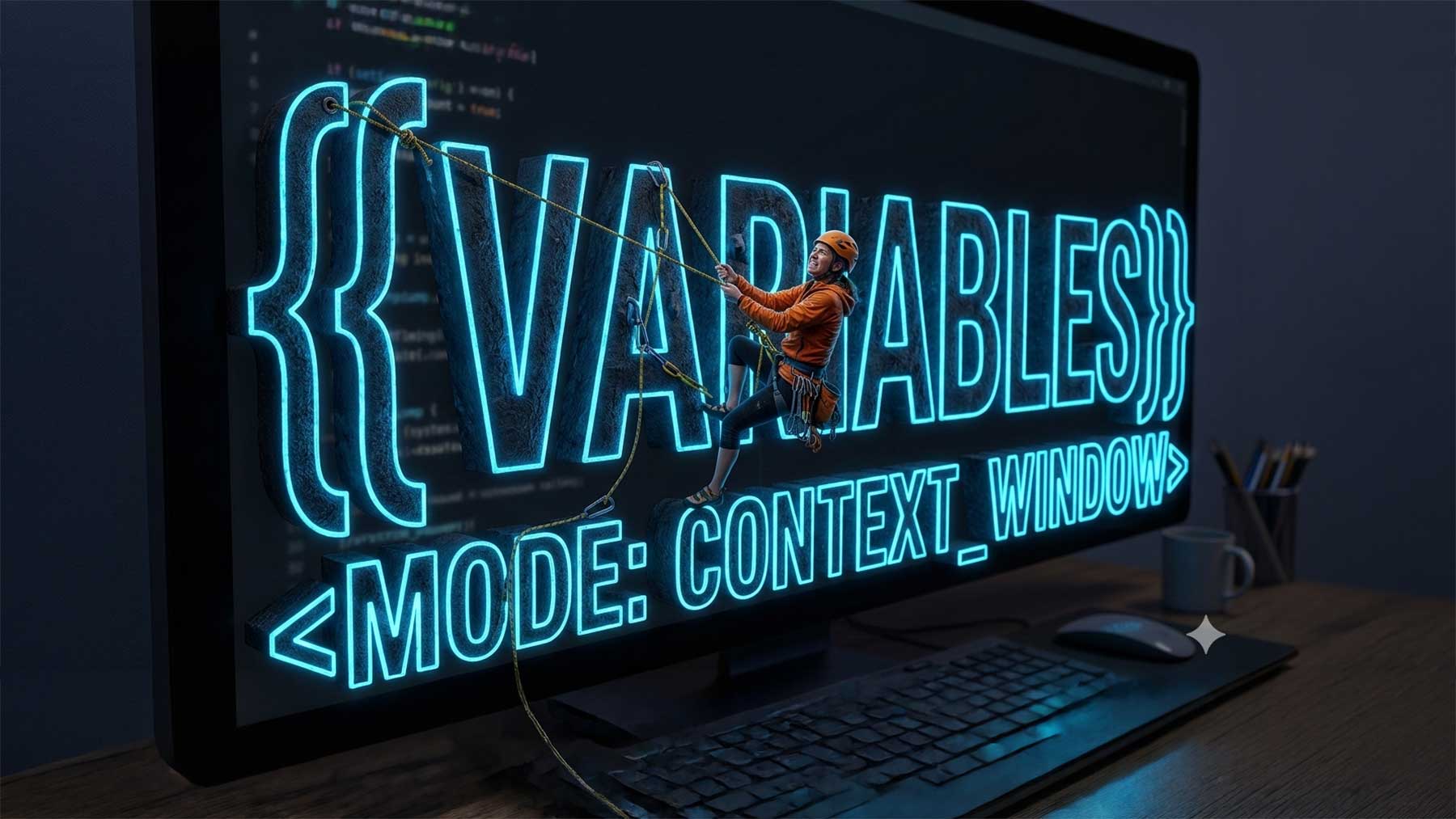
I’ve now moved from my invented “pseudo-variables” to an industry-standard syntax. Giving up doom scrolling for daily micro-learning helped me here. These include:
- Formal Prompt Variables like
{{USER_QUERY}} - Control Tokens like
<MODE:UI_GUIDELINES> - Sections headed with Structural or Schema Markers like
[[MANDATORY INSTRUCTIONS]]>
These have helped replace my ad-hoc work-arounds and verbosity with a near-professional architecture. They string together like the following made up on-the-fly example:
{{CD_ROLE}} = "Expert UI content designer and accessibility engineer".
{{CD_STANDARDS}} = "WCAG 2.2 AAA"
{{QUERY}} = user input.
{{CONDITION_1}} = context is UI component guideline.
{{CONDITION_2}} = context is UI copy review.
[[TASK]]
As a {{CD_ROLE}}, evaluate the {{QUERY}} and respond according to the following conditions and [[MANDATORY_INSTRUCTIONS]]:
1. If {{CONDITION_1}} focus on UI component guidelines for features, accessibility, and UI copywriting meeting {{CD_STANDARDS}}.
2. IF {{CONDITION_2}} focus on UI copywriting that meets the {{CD_STANDARDS}}.
3. ELSE respond as asked.
[[MANDATORY_INSTRUCTIONS]]
Do...
The syntax is successful in Notebook LM, Gems, AskGPT, Copilot (“Bing”), and Glean. I’ve got something right. The syntax is also more readable than backticks and meaningful than made up coding, which means we can update the {{CD_ROLE}} or any variable in one place and update the whole instruction. Bonus, there’s still space for colleagues to fill in the blanks like the following Placeholder [PASTE HERE].
Why This Matters
By building clear, repeatable patterns, we’re getting faster answers. We’re also raising the baseline of digital literacy across our team. We’re ensuring that our expertise across accessibility, tone, and clarity is baked into every interaction including our emerging AI tooling.
I’m excited to have made even this wonky bridge between our craft and enabling people to use our new tools.
Note:Written by human
1 thought on “Learning to scale conditional AI instructions”